
AI Email Writer App Reviews
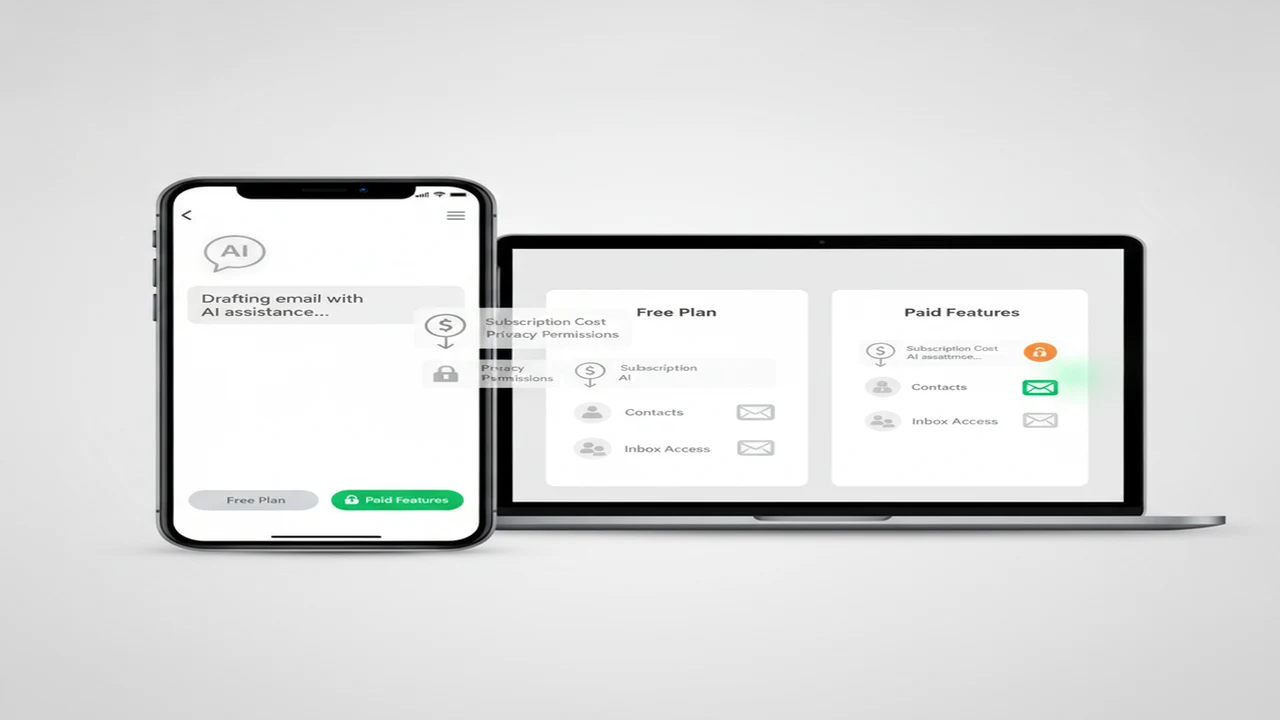
AI email writers can save time on routine replies, but their costs and privacy trade-offs vary. Some are simple drafting pages, while others bundle chatbots, rewriting tools, image generators, or direct inbox access into a subscription.
Price alone does not reveal the better deal. Buyers should compare message limits, renewal terms, account requirements, data handling, and whether the app needs contacts or mailbox access. Our guide to affordable AI email tools explains how these details affect the real monthly cost.
This category collects listing-based reviews and buying guides for everyday users. The goal is to help you choose enough writing assistance without paying for unrelated extras or sharing more email data than the job requires.
Quick answer: Start with a browser-based or standalone writer that accepts only the text you choose to paste. Check its free-tier limits, subscription renewal period, deletion controls, and privacy policy before entering sensitive material. Inbox integration may be convenient for frequent email work, but most occasional users can draft elsewhere and paste the finished message into their email app.
What does this mean?
Definition: An AI email writer is an app or web tool that drafts, rewrites, shortens, or changes the tone of an email from instructions or existing text.
Guides in this category
Which plan details should you check first?
Begin with the billing period and renewal price, not the largest feature claim. A low weekly price can cost more over a year than a straightforward monthly plan. Annual subscriptions may reduce the monthly equivalent, but they are harder to justify when you do not yet know how often you will use the writer.
Look for caps on drafts, replies, words, or AI credits. A free tier is useful only if the allowance covers your normal workload. Our free versus paid AI email generator guide explains when higher limits, saved history, and premium models may justify paying.
Also check whether a trial converts automatically, whether cancellation happens in the app store or on a website, and whether deleting the app cancels billing. It usually does not. Save a copy of the offer screen and renewal terms when starting a trial.
- Renewal price after any introductory offer
- Weekly, monthly, or annual billing period
- Draft, word, message, or credit limits
- Account and payment requirements for the free tier
- Trial conversion date and cancellation route
Which type of AI email writer fits your workflow?
A focused tool such as EmailAI may suit someone who mainly wants email drafting. A broader brand site such as FlyMail is another place to review the current product description, pricing, and policy terms before deciding.
Phone users who prefer an App Store download can inspect the listing for AI Email Writer - Fly Mail. Store listings make it easier to see in-app purchase disclosures, compatibility, update history, and the developer-submitted privacy label in one place.
Choose based on where the writing begins. A standalone writer works well when you are comfortable copying a draft into Gmail, Outlook, or another mail app. An integrated assistant can reduce copying, but it may request broader access and create a larger privacy trade-off.
Do you need a dedicated email app or separate writing tools?
A general writing tool may be enough for occasional messages. Free AI Chat is presented as an online, no-signup chat option, so it can be considered for drafting from a prompt without installing a dedicated email app. Users should still avoid entering confidential details unless the applicable policy supports that use.
Editing can also be split into smaller steps. AI Humanizer is positioned for revising AI-written text, while AI Detector is presented as an AI checker. Detector results should not be treated as proof of authorship, and an extra rewriting pass is not automatically necessary for a clear email.
Bundled apps can be worth it when you regularly use chat, rewriting, and other creative features. For simple workplace replies, a focused drafting page often means fewer menus, fewer upsells, and a clearer reason for keeping the app.
How much inbox and contact access is reasonable?
An email writer does not always need inbox access. You can provide a short summary, generate a reply in a separate tool, review it, and paste it into your mail app. This adds a step but gives you more control over which text leaves the mailbox.
If an app requests contacts, full inbox reading, message sending, or account-wide permissions, match each request to a feature you intend to use. Our guide to AI email app contact and inbox access covers permission prompts, OAuth screens, and warning signs.
Remove integrations you stop using through the email provider's connected-app settings. Revoking access is separate from deleting an app or closing an AI service account, so check both places.
What are the limits of listing-based AI email reviews?
Public listings can document advertised features, stated prices, subscription periods, compatibility, and developer-submitted privacy information. They cannot establish real-world writing quality, response speed, support quality, or whether a service follows every policy exactly.
Plan names and limits may also change after publication. Confirm the final checkout price and read the current privacy policy before purchasing. For sensitive work, follow the safer document-handling steps in our private-document writing AI guide.
Why this category
- Email writing apps sit at an awkward intersection of convenience, recurring cost, and personal data. A tool may help with tone or writer's block while also encouraging users to paste client names, order details, medical information, or internal workplace discussions into a third-party service.
- This category puts those trade-offs ahead of long feature lists. Reviews focus on what the public listing says, which permissions appear relevant, how the subscription is structured, and whether a simpler free workflow can do the same job.
- The best choice may be a paid email assistant, a general writer, or no installed app at all. A sound buying decision is the option that covers your actual volume while keeping billing predictable and data exposure proportionate.
Frequently Asked Questions
Are free AI email writers actually free?
Some tools offer a free tier with message, word, or daily limits, while others provide only a trial that converts to a subscription. Check whether payment details are required, when renewal begins, and which features remain available without paying.
Can an AI email writer read my inbox?
Only if the service has an integration and you grant the requested account permissions. A standalone writing page can create a draft from text you paste without receiving access to the rest of your mailbox.
What is EmailAI designed to do?
EmailAI is presented through its product site as an AI email writer. Buyers should check its current pricing, account requirements, usage limits, and privacy terms because those details can change independently of this category page.
Is FlyMail available as an iPhone app?
An iOS listing is available under the name AI Email Writer - Fly Mail. The listing describes email generation, assistance, and reply features, while the App Store provides the current compatibility, purchase, and developer privacy information.
What does AI Writer & AI Chat: ACI include?
Its iOS listing describes a broader bundle with AI writing, chat, detection, humanizing, and image-generation functions. That range may suit users who want several tools, but email-only buyers should check whether the subscription charges for features they will not use.
Can Free AI Chat write an email without an account?
The product page presents Free AI Chat as an online chat tool that does not require signup. It can be used to request an email draft, but users should still review the service terms and avoid submitting sensitive information without an appropriate privacy basis.
Should I run every draft through AI Humanizer?
No. A direct editing pass is often enough to remove repetition, check facts, and make the wording sound natural. AI Humanizer is an optional rewriting tool, not a requirement for sending an AI-assisted email.
Can an AI Detector prove that an email was written by AI?
No detector result should be considered definitive proof of authorship. These tools provide estimates based on text patterns and can misclassify both human and AI-assisted writing.
Is a weekly AI writing subscription good value?
Weekly billing can be useful for a short project, but it may become expensive if left active. Multiply the weekly price across the expected usage period and compare that total with monthly or annual options.
What information should I remove before using an AI email writer?
Remove passwords, account numbers, private links, medical details, confidential business data, and personal identifiers that are not needed for the draft. Replace names and exact figures with placeholders, then restore necessary details after reviewing the output.
Do I need to give an email writer access to my contacts?
Not for basic drafting. Contact access may support recipient suggestions or personalization, but you can usually type or paste the relevant name into a standalone writer instead.
How should I review an AI-generated email before sending it?
Verify names, dates, prices, commitments, attachments, and any factual claim. Adjust the tone for the recipient, remove invented details, and make sure the message does not promise something you cannot provide.