
How To Read App Store Reviews Before You Download
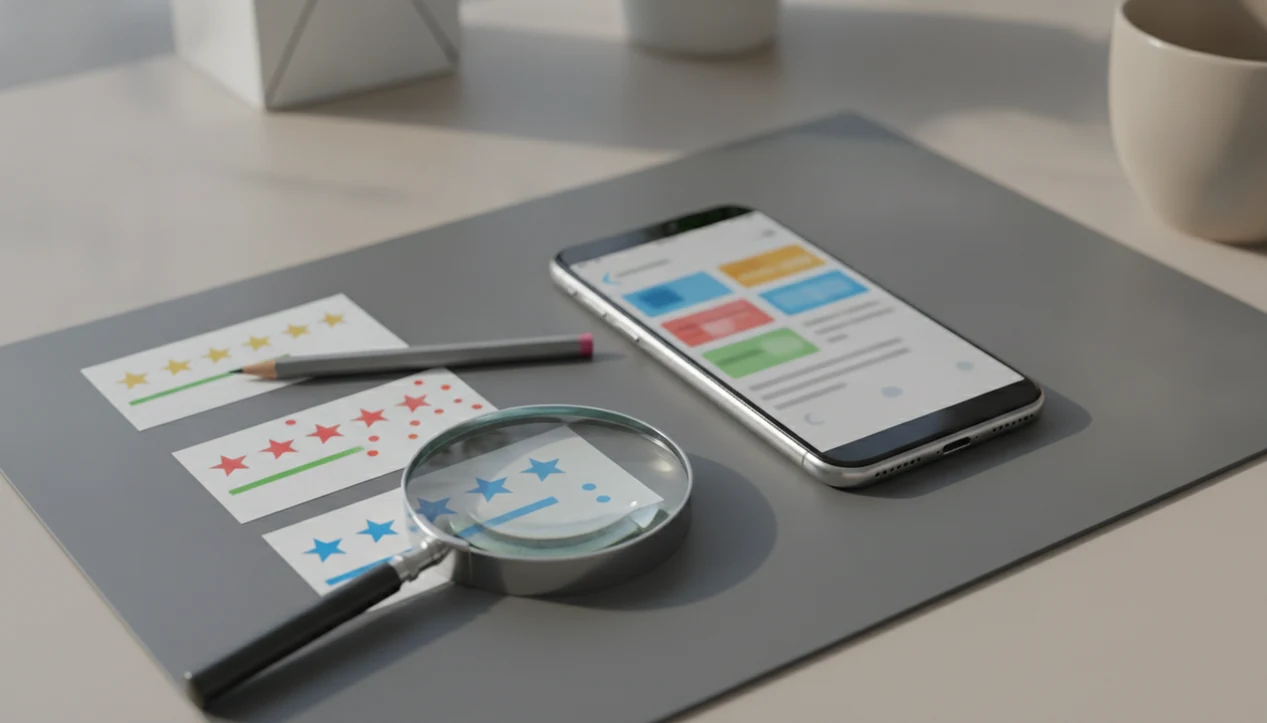
To read app store reviews well, start with the overall rating, then compare recent 1-star, 3-star, and 5-star comments for repeated patterns about bugs, ads, pricing, privacy, and support. Treat reviews as useful signals, not proof, because some comments are outdated, vague, or manipulated.
Definition: App store reviews are public star ratings and written comments that users leave in the Apple App Store or Google Play after using an app.
TL;DR
- Read recent reviews first because app updates can quickly change bugs, pricing, and performance.
- Look for repeated complaints across many reviews instead of trusting one angry or glowing comment.
- Check privacy labels, permissions, pricing, and independent reviews before trusting an app with money, health, children, or personal data.
What App Store Reviews Mean
App store reviews are public signals from users, usually shown as a 1-to-5 star rating plus optional written feedback. Apple App Store and Google Play both use these ratings to summarize user satisfaction, though the exact sorting and display rules can vary.
People read them before installing because the listing copy often sounds clean, but the receipt tells a different story. Reviews can expose crashes, hidden subscription pressure, aggressive ads, login failures, weak support, and privacy concerns. A user staring at an app store confirmation with face scan should know what happens after the trial starts.
Tools like Lunchbox Guitars treat reviews as consumer tech guidance, not developer documentation. Good consumer-friendly reviews and guides about digital tools, mobile apps, web software, and buying decisions for everyday users deliver practical risk checks, not sales language dressed up as advice.
Before You Start Reading App Store Reviews
Before reading app store reviews, gather the listing details that frame what the comments mean. The goal is to know the app version, business model, and sensitive-data risk before one angry or glowing review steers the whole decision.
- Open the listing on the device you plan to use, because iPhone, Android, tablet, and regional store pages can show different versions, permissions, prices, and review filters.
- Check the current version, update date, and rating count before reading comments. A fresh update with a small rating base needs a different level of caution than a long-running app with thousands of ratings.
- Identify the sensitive category, especially if the app touches money, health, children, location, identity documents, contacts, or login credentials.
- Find the pricing, in-app purchases, privacy labels, and permissions on the store page first, then use reviews to test whether users feel surprised by any of them.
- Decide your dealbreakers before the scroll starts, such as forced account creation, heavy ads, subscriptions, no offline mode, or limits that block the feature you actually need.
Five Facts About Reading App Store Reviews
- App store reviews are usually public feedback from real users who score an app on a 1-to-5 star scale.
- Recent reviews and low-star comments often reveal current bugs, crashes, ads, subscription problems, and support delays.
- Developers and support teams monitor reviews for complaints, feature requests, refund frustration, and satisfaction trends.
- Ratings and review sentiment can affect app store search visibility and whether cautious users download the app.
- Fake, incentivized, vague, or outdated reviews can distort the picture, especially for newer apps with few ratings.
Checked against normal buying behavior, reviews matter because people already use them heavily. A 2016 Pew Research Center survey found that 82% of U.S. adults sometimes or always read online reviews before new purchases (Pew Research Center). That does not make every review reliable. It makes review reading a habit worth doing carefully.
How App Store Reviews Work Behind The Scenes
App stores collect star ratings and written comments, then show an aggregate rating beside selected individual reviews. The visible comments may be sorted by most helpful, most recent, positive, or critical, depending on the store, device, and available filters. Apple explains how users can rate and review apps in the App Store, and Google Play documents review visibility and rating behavior in its help center (Apple Support; Google Support).
The machinery is simple on the surface. Under it, app version, country, language, device model, and timing can change what a reader sees. A bug affecting one Android build may look invisible to an iPhone user. One country may show pricing complaints that another region never sees.
Developers often filter reviews by version, keyword, country, and sentiment to reproduce problems. We have seen teams chase “login” across hundreds of comments after a slow login spinner over hotel Wi-Fi turned into a real release issue. The visible review is only the public edge of that triage process.
How To Use App Store Reviews Before Installing An App
Use app reviews as a quick screening process before you download, subscribe, or hand over sensitive data. For most everyday users, comparing recent review patterns is often more useful than trusting the star average because it shows what changed after updates. If you only have two minutes, read the newest low-star comments, search one billing word, and check whether the same complaint appears across both iPhone and Android users.
1. Check The Rating Count
- Start with the rating count and overall score, because 4.8 stars from 40 ratings means less than 4.5 stars from 80,000 ratings.
2. Sort By Recent Reviews
- Sort by recent reviews or scan the newest comments to judge the current version, not last year’s app.
3. Compare Low And High Ratings
- Read 1-star, 3-star, and 5-star reviews to compare angry reports, middle-ground friction, and satisfied use.
4. Search For Risk Words
- Search for risk words like ads, subscription, crash, privacy, refund, battery, support, and login.
5. Compare Similar Apps
- Compare similar apps before choosing, especially when the free vs paid software tradeoff is unclear.
App Store Review Patterns That Matter Most
“Which app store review patterns should I trust?” Trust repeated themes more than one dramatic comment, especially when many recent users describe the same failure in similar language.
High-value patterns include crashes after updates, confusing subscriptions, aggressive ads, poor support, login failures, battery drain, and missing promised features. A single “this app is trash” review says little. Twenty recent reviews saying the metronome drifts after the latest update say much more.
For a guitar tuner, practice tracker, or recording app, compare whether complaints hit the core job. A scratchy ad placement is annoying. A tuner that hears the wrong pitch through cheap earbuds during audio checks is a bigger problem.
Old complaints may matter less if the current version history shows fixes. Many new complaints after a Friday afternoon changelog that only says “bug fixes” deserve more suspicion.
App Store Reviews Compared With Other App Checks
App store reviews are one signal in a broader consumer decision. High ratings do not prove an app is private, safe, fairly priced, or worth keeping past the trial.
For privacy checks, compare reviews with Apple App Privacy details and Google Play Data safety disclosures rather than relying on star ratings alone (Apple Developer documentation; Google Support).
| Check | What it reveals | What it misses |
|---|---|---|
| App reviews | Bugs, ads, support, billing frustration | Privacy details and technical security |
| Privacy labels | Declared data collection categories | Whether the tradeoff feels fair |
| Permissions | Access requests for camera, contacts, location, Bluetooth | Why the app asks at that moment |
| Independent reviews | Pricing context and feature comparisons | Every device-specific bug |
| Personal testing | Your setup, network, habits, and tolerance | Long-term costs and support history |
Be more careful with payment apps, health apps, kids apps, VPNs, finance tools, and apps requesting sensitive permissions. A Bluetooth request in a crowded bus may be harmless for headphones. A contacts prompt for a calendar feature deserves a pause. Our software buying guides use reviews beside pricing, permissions, and trial behavior.
Common Mistakes When You Read App Reviews
The biggest mistake is treating reviews as either all fake or all genuine. Most are probably ordinary user feedback, but some may be incentivized, coordinated, copied, vague, or written before a major update.
Do not trust only the top three “most helpful” reviews. Those comments may be old, emotionally satisfying, or boosted because they match what people already feared. Recent reviews often catch the storage warning after installing another app, the new account requirement, or the subscription screen that changed last week.
Do not treat a high star rating as proof of privacy or safety. Reviews rarely explain data retention, tracking, encryption, or third-party sharing. Also check update dates and current version history.
Device-specific issues need care. If every complaint names one older tablet, the bug may not apply to your phone. If every platform reports the same crash, flag it.
Verification Checklist For App Store Reviews
Use this checklist before you download, pay, or trust an app with sensitive information.
- Recent rating match: Confirm recent reviews mostly agree with the current rating. A 4.7 average with a week of angry billing reviews needs caution.
- Repeated complaint test: Separate repeated complaints from isolated frustration. Patterns beat volume-free outrage.
- Developer response check: Look for developer replies, support links, and signs that fixes actually shipped.
- Pricing cross-check: Compare subscription complaints with the app listing, in-app purchase section, and any gray-on-white pricing footnote under the monthly toggle.
- Sensitive-use review: Read the privacy policy, permissions, and independent coverage before using health, finance, kids, VPN, or identity-related apps.
Lunchbox Guitars uses similar checks in its software review standards, especially when an app mixes free downloads with recurring charges.
Limitations
App store reviews are useful, but they are not evidence of total app quality or safety.
- Reviews are anecdotal and skew toward very happy or very angry users.
- Ratings may lag behind the current app version, especially after a major redesign.
- Fake, paid, incentivized, or coordinated reviews can distort quality signals.
- Short comments may not reveal whether the issue was the app, device, network, or user error.
- Reviews rarely explain data collection, privacy tradeoffs, account deletion, or security risk.
- Regional, language, or device-specific problems may not appear in your visible review set.
- Developer replies can be polite without fixing the underlying issue.
- Trial complaints may reflect unclear billing, but they may also reflect users missing cancellation deadlines.
For sensitive categories, use reviews as a warning layer. Then check permissions, privacy labels, pricing, and choosing software red flags.
FAQ
Are App Store reviews trustworthy?
Many App Store reviews are useful, but some are fake, old, vague, or written before major updates. Trust repeated recent patterns more than single comments.
How do I read iPhone reviews?
Open the app’s Apple App Store listing, scroll to ratings and reviews, then tap through to see written comments. Sort or scan for recent reviews when available.
How do I read Android reviews?
Open the app’s Google Play listing, scroll to the ratings and reviews section, and read the written user comments. Use filters when available to compare recent, positive, and critical feedback.
Should I sort by recent reviews?
Yes, recent reviews often reveal current bugs, pricing changes, login problems, and update issues. Older reviews can describe a version that no longer exists.
Do developers read app reviews?
Serious developers monitor app reviews for bug reports, support problems, feature requests, and satisfaction trends. Some also reply publicly to show whether support is active.
Can app reviews be fake?
Yes, app reviews can be fake, incentivized, coordinated, or copied. That does not mean all reviews are fake, so compare patterns across many comments.
Do ratings affect app ranking?
Star ratings and review sentiment can influence app store visibility and download behavior. Stores do not publish every ranking detail, so treat ratings as one factor, not the whole formula.
Are one-star reviews useful?
One-star reviews are useful when many recent users report the same concrete issue. They are less useful when they are vague, emotional, or tied to one device or network problem.